Integrations
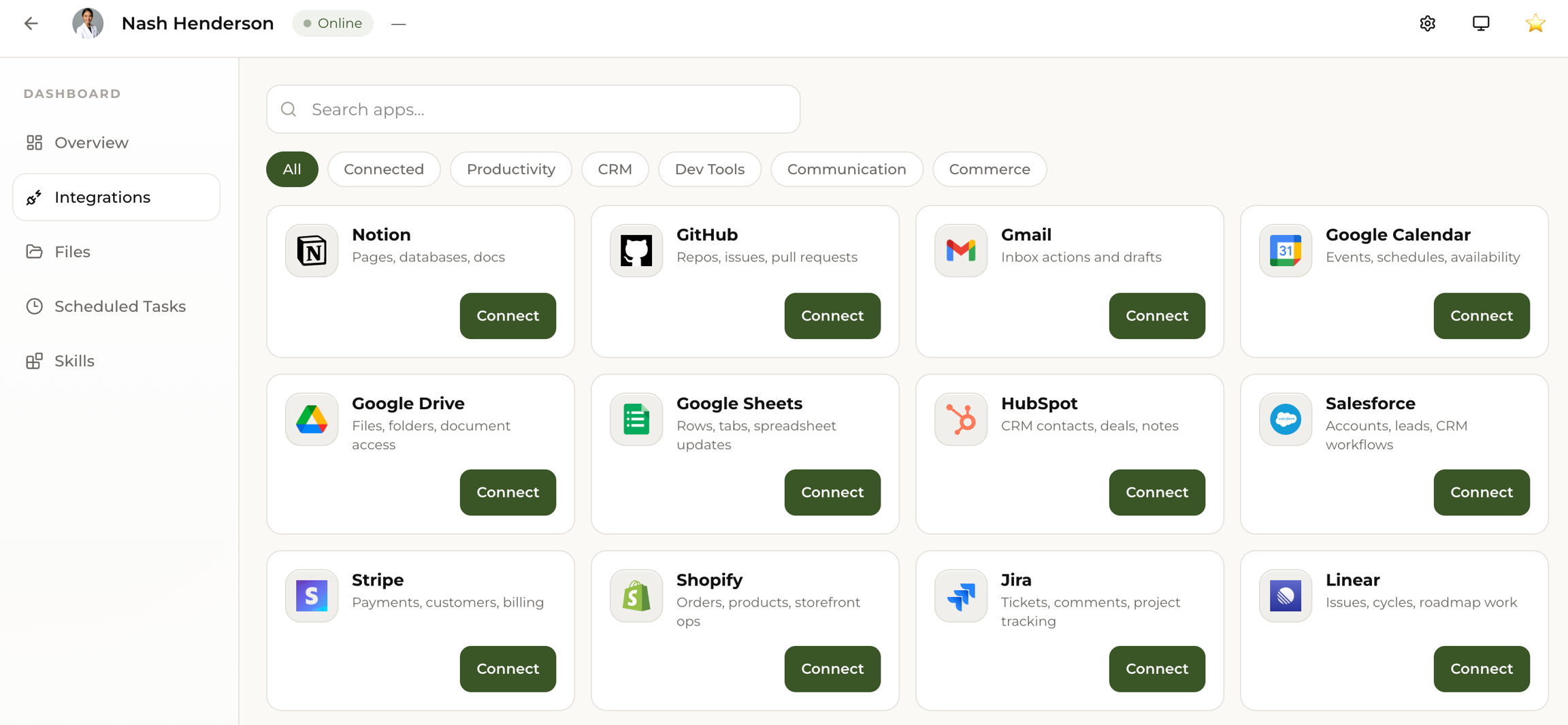
Junior works best when connected to your tools. Connect Gmail, Google Calendar, Notion, GitHub, and more.
Junior works best when it's connected to your tools. Slack is already connected from onboarding. For everything else, just tell Junior in chat.
Connect Tools Through Conversation
The fastest way to add integrations. Just tell Junior:
- "Connect my Gmail"
- "Set up Google Calendar"
- "Link my Jira"
- "Connect Google Drive"
- "Set up Notion"
Junior will walk you through the authorization steps right in the chat. No need to leave Slack.
You can also connect tools manually at Dashboard > Integrations.
Recommended Integrations
Start with these. They unlock the most value in your first week.
Email (Gmail / Outlook)
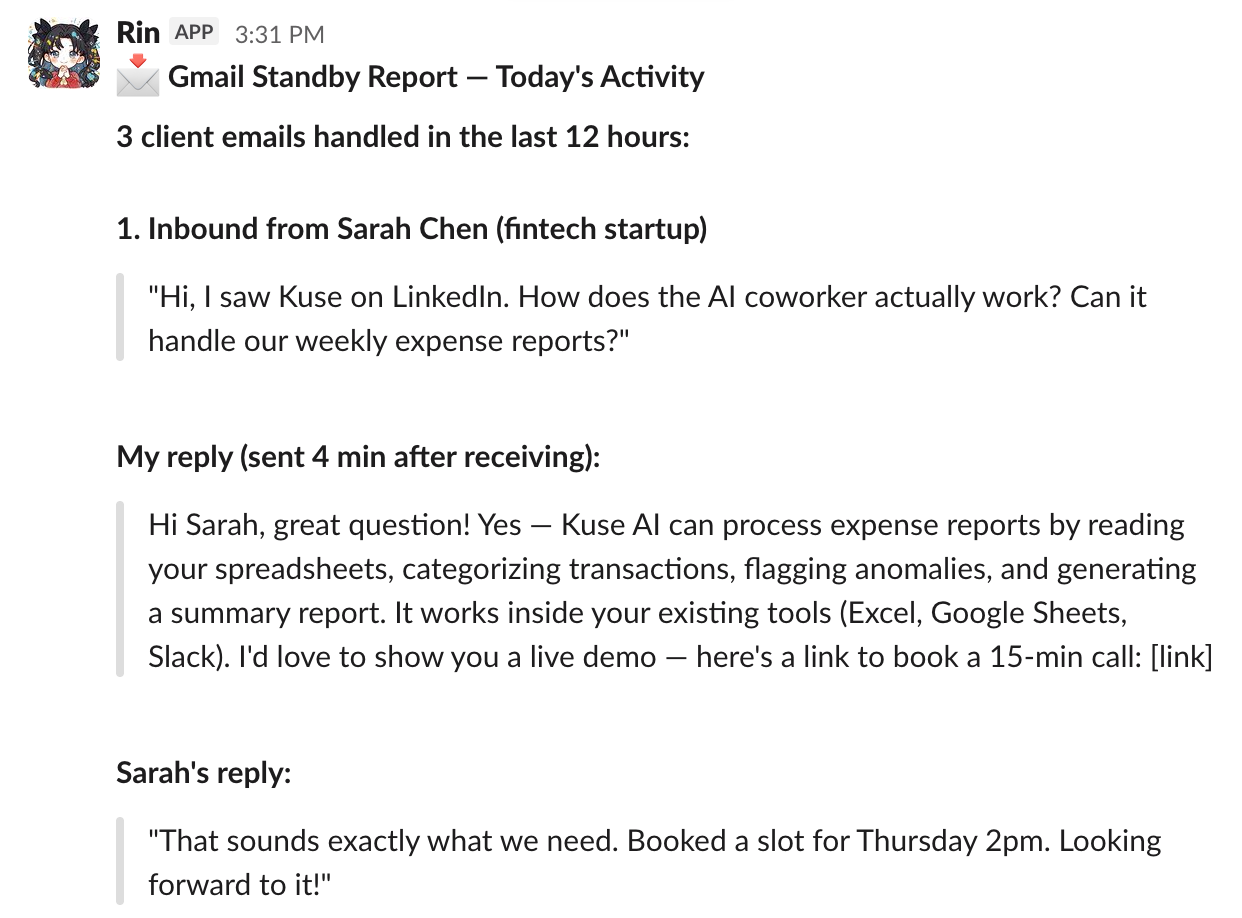
Junior gets its own email address and can send, reply, read, and track emails on your behalf. Once connected, you can:
- Tell Junior to draft or send emails directly
- Forward emails to Junior for follow-up
- Set up automatic email briefings
More Integrations
| Tool | What Junior Can Do |
|---|---|
| Google Drive | Read, create, and organize documents. Share specific folders or connect the whole account. |
| Notion | Read, search, and reference your docs and databases |
| GitHub | Review PRs, summarize issues, help with code tasks |
| Jira / Linear | Track tasks, update status, summarize sprint progress |
| HubSpot / Salesforce | Monitor pipeline, flag stale deals, track follow-ups |
These get added based on your needs. You don't need to set everything up on day one.